
EV CHARGERS


SET TOP BOXES
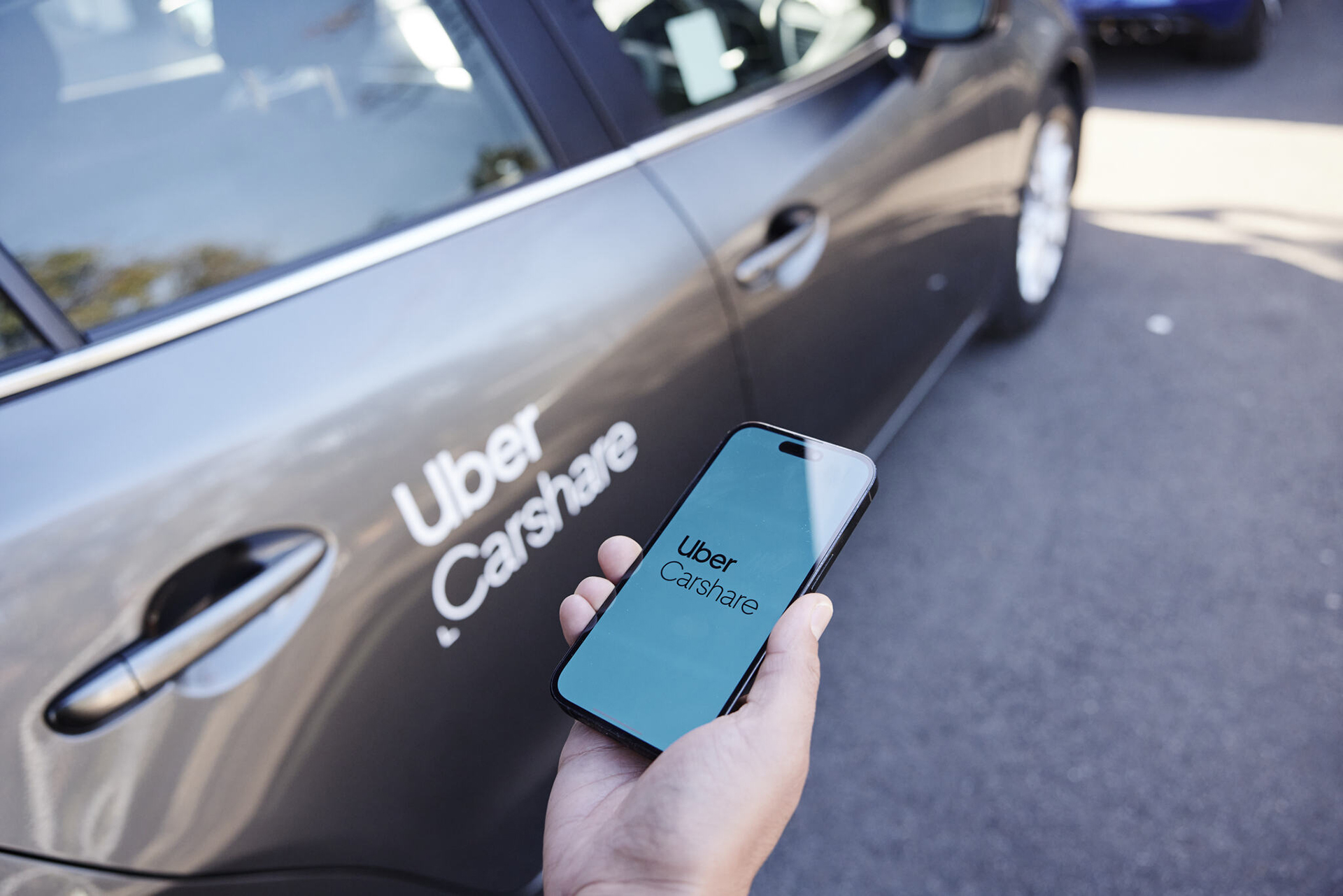
HUMAX Partners with Uber Carshare for Enhanced Mobility Services
Apr 4, 2024

Humax enters UK EV charging market with launch of ECORD 7.4kW Home Charger
Mar 6, 2024
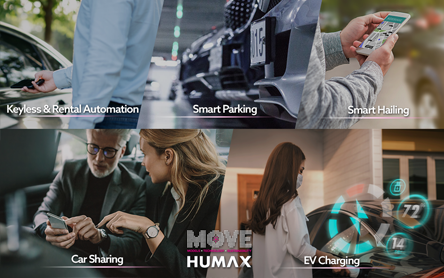
Humax introduces Total Mobility Platform at MOVE2021
Nov 3, 2021


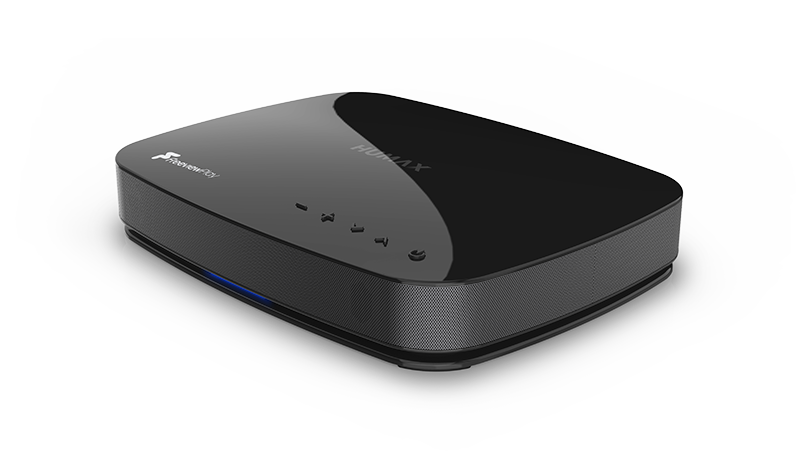
About Humax
Humax is one of the world’s largest manufacturers of smart home solutions, connected devices, network and mobility solutions, and markets its range of products in more than 90 countries.
It also specialises in EV charging technology for domestic and commercial use.